Ask for what you need,get it on time.
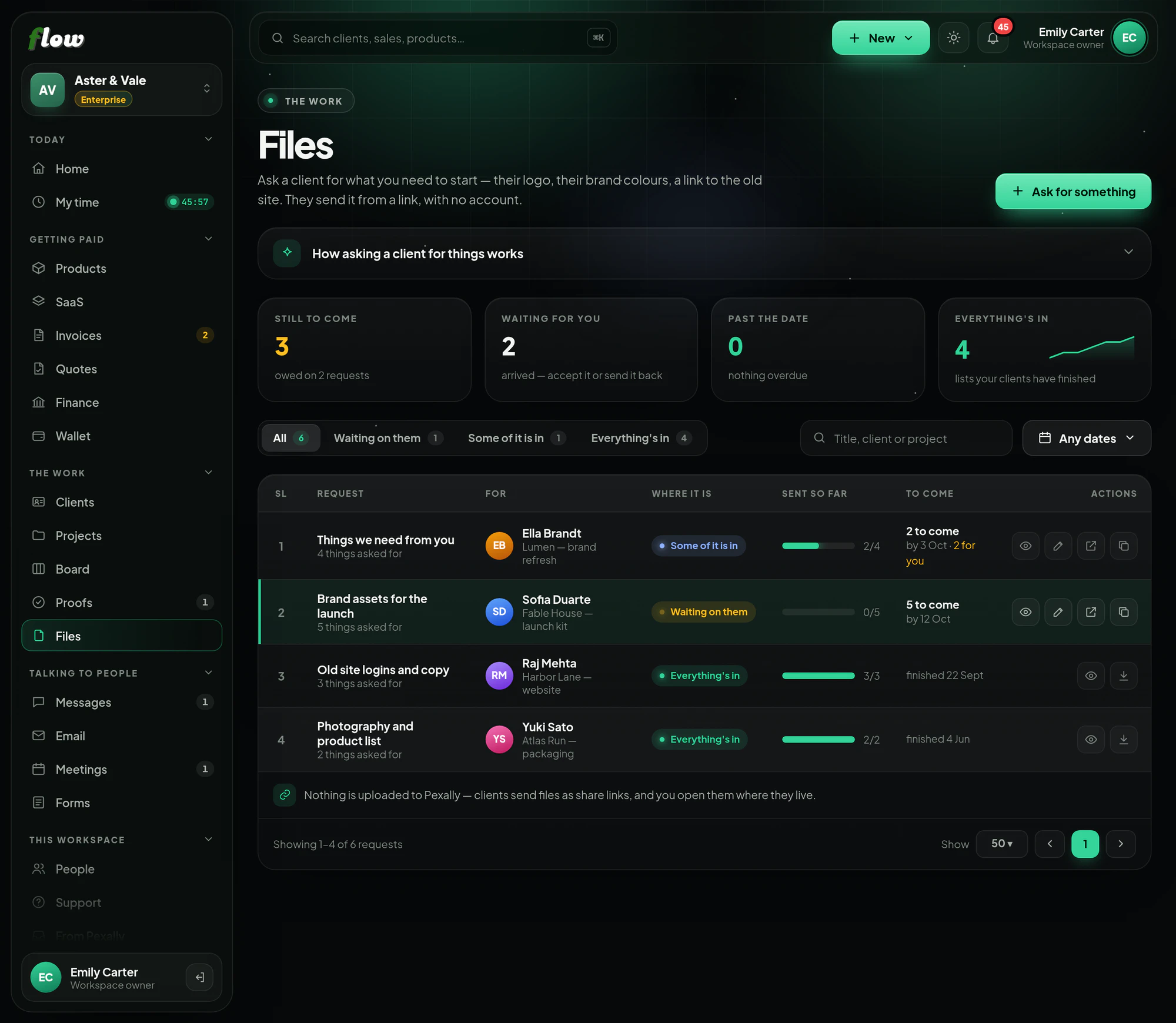
Make a list of what you need from a client — a logo, brand colours, logins, answers — with a date. They send it through one link, and you accept each thing or send it back.
Included inFree trialGrowthEnterprise
flow.pexally.com/aster-vale/files
How it works
Files, step by step.
Ask clients for files and collect them in one place. These are the same steps you will see inside Flow, in the guide at the top of Files.
- 01Make a listSay what you need — their logo, brand colours, a link to the old site, written answers — and when you need it by.
- 02Send the linkYour client opens it without an account. Files come as share links — Google Drive, Dropbox, OneDrive or WeTransfer — and answers are typed in.
- 03Look at what arrivedAccept each thing, or send it back with a note saying what to send instead. Sending one back reopens the list for them.
- 04Know what is lateSee what is still to come, what is waiting for you, and what is past its date.
- Files stay where your client keeps them — Flow stores the link, not the file.
Why it is better in Flow
What makes Files different.
- One checklist per clientEverything you are waiting for, with a date it is due.
- Nothing uploadedFiles arrive as share links, so they stay where your client keeps them.
- Send it backNot right? Send an item back with a note, and the list reopens for them.
- Know what is lateSee what is still to come, waiting for you, and past its date.
Questions
About Files.
Are files stored in Flow?
No — they arrive as share links from Google Drive, Dropbox, OneDrive or WeTransfer, and you open them there.
Can I ask questions, not just for files?
Yes. A request can ask for written answers as well as files.
Works with