A booking pagethat fills your calendar.
Set your hours, publish a meeting type and share the link. People pick a time in their own zone, and both of you are emailed and reminded.
Included inFree trialGrowthEnterprise
flow.pexally.com/aster-vale/meetings
How it works
Meetings, step by step.
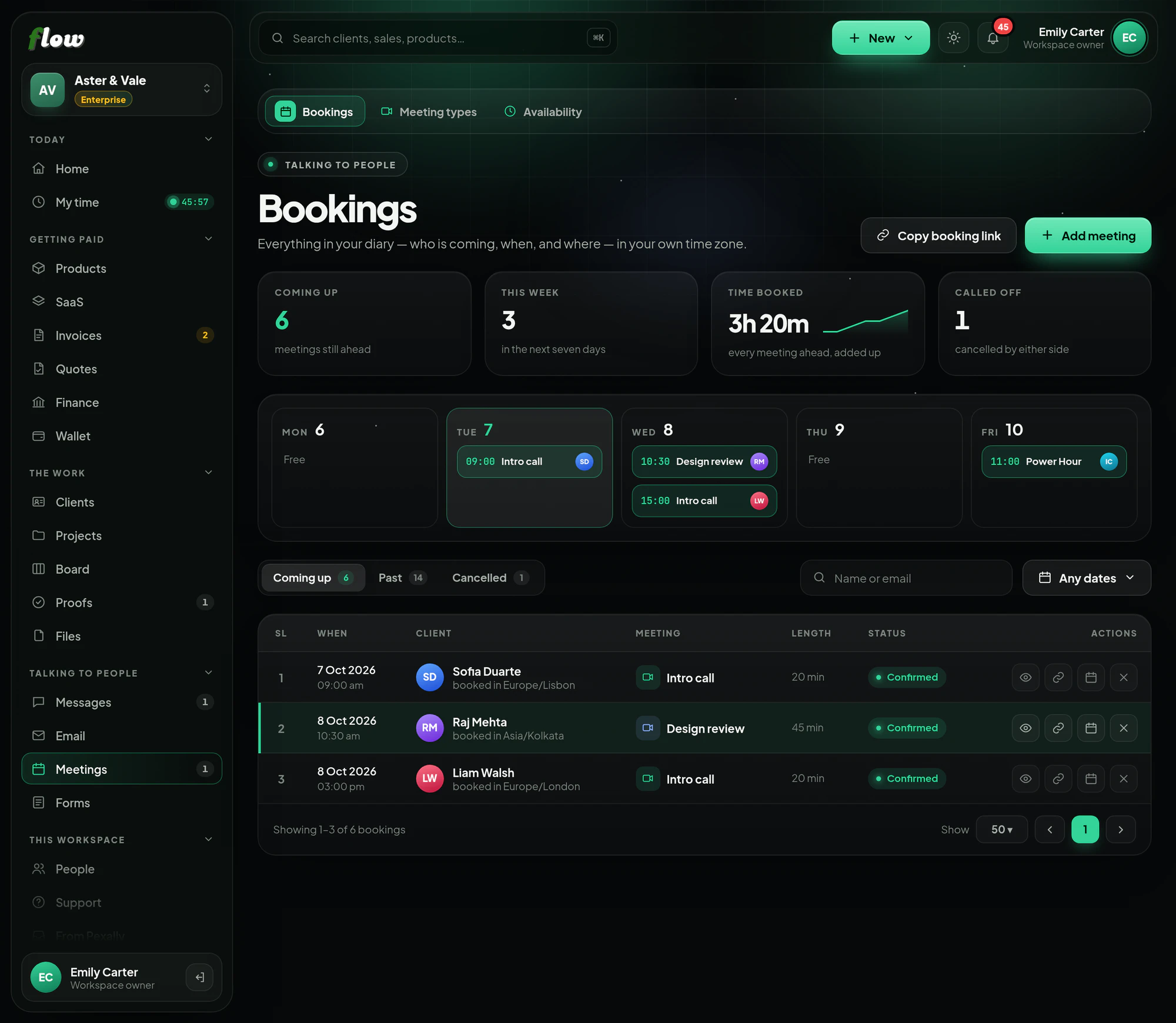
A booking page and a calendar clients book into. These are the same steps you will see inside Flow, in the guide at the top of Meetings.
- 01Set your hoursUnder Availability: your working week, your weekend, and any days off. Only the times you are free are ever offered.
- 02Add a meeting typeHow long it is, where it happens — Zoom, Google Meet or in person — and its link. Publish it to get its booking page.
- 03Share the linkPut it on your site, in your email signature or in a message. People pick a time in their own time zone, without an account.
- 04Both of you are toldA confirmation goes to each side straight away, and a reminder before it starts. The booker lands in Clients with the meeting on their record.
- 05Move it or call it offFrom the booking: a new time, a different link, or a cancellation. The other side is emailed each time.
- Selling a paid consultation? Sell it as a product with its own checkout, and share your booking page for the time.
Why it is better in Flow
What makes Meetings different.
- Your hours, respectedOnly the times you are free are offered, in the booker's own time zone.
- Zoom, Meet or in personEach meeting type says where it happens and carries its own link.
- Reminders sent for youConfirmation and reminder emails go to both sides without you lifting a finger.
- Every booker becomes a clientTheir details land in Clients, with the meeting on their record.
Questions
About Meetings.
Can I sell a paid consultation?
Yes — sell a consultation as a product with its own checkout, and share your booking page for the time.
What happens if I need to move a meeting?
Move it or cancel it from the booking, and the other person is emailed straight away.
Works with