Team chat,beside the work.
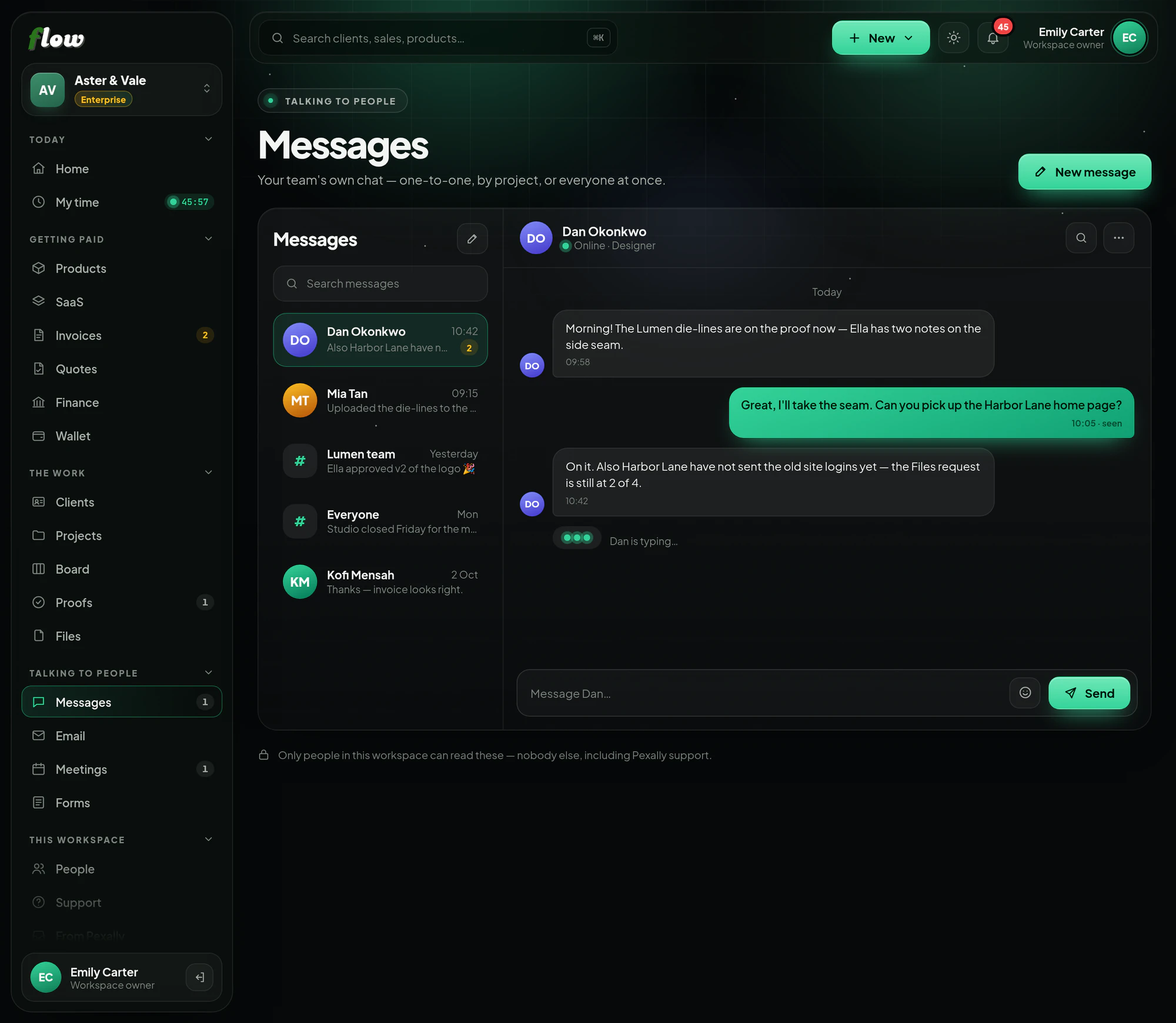
Private conversations with anyone in your workspace — with online dots, read ticks and a record nobody can quietly rewrite.
Included inFree trialGrowthEnterprise
flow.pexally.com/aster-vale/team
How it works
Messages, step by step.
Chat with the people in your workspace. These are the same steps you will see inside Flow, in the guide at the top of Messages.
- 01Private to the two of youMessage anybody in this workspace. Nobody else can read it — not other members, and not Pexally support.
- 02Start or pick one upPress the pencil to start a conversation, or open one from the list. A green dot means that person is online right now.
- 03Sent, then seenOne tick means it arrived; two mean they have read it. Messages cannot be edited or deleted afterwards, for both sides' sake.
- Messages is for your team. Clients talk to you on their project's portal and on proofs.
Why it is better in Flow
What makes Messages different.
- Truly privateOnly the two people in a conversation can read it — not even Pexally.
- Sent and seenTicks show when a message arrived and when it was read.
- Who is onlineA green dot shows who is around right now.
- A fair recordMessages cannot be edited or deleted, for both sides' sake.
Questions
About Messages.
Can I message my clients here?
Messages is for your team. Clients follow along and leave notes on their project's portal and on proofs.
Which plans include team chat?
The plans that include Messages are listed at the top of this page. It is at its best with a team, on a plan with more than one seat.
Works with